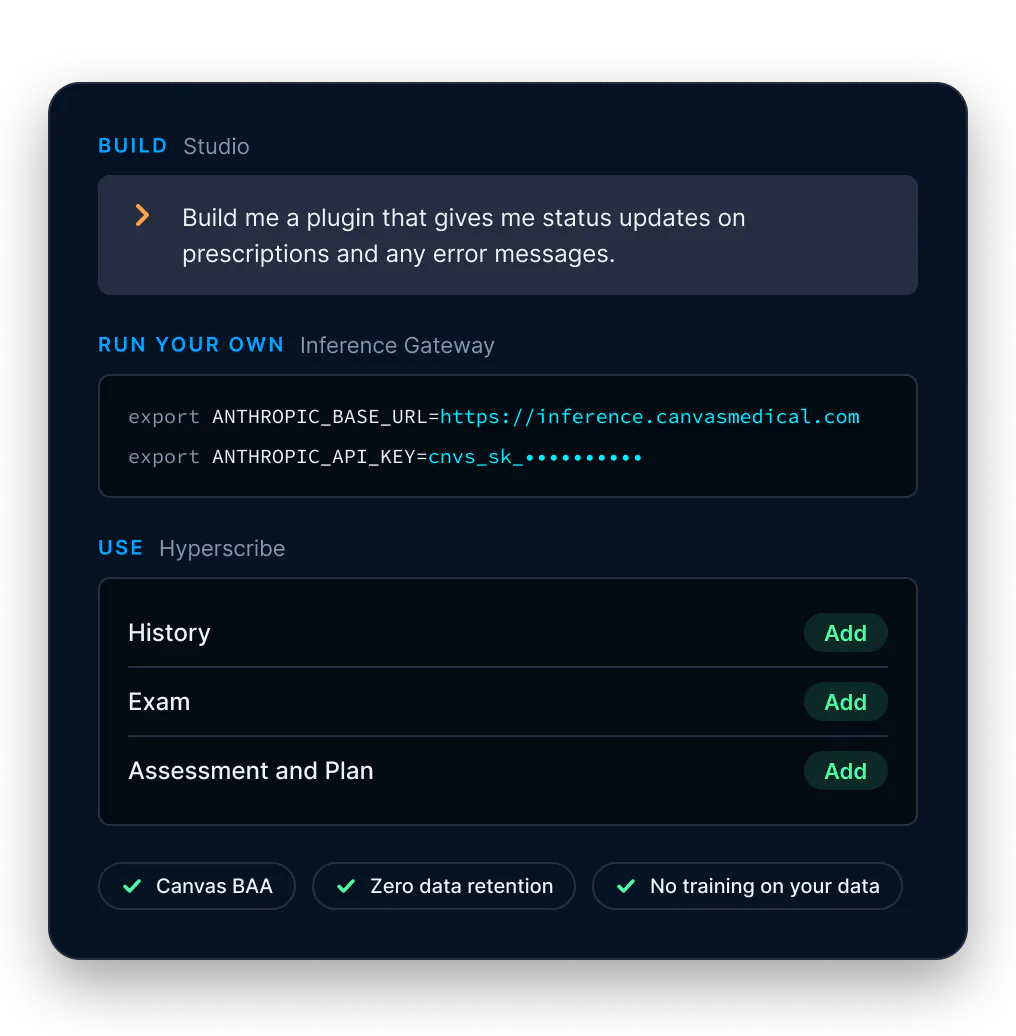
Studio
Describe the workflow you need in plain English, and Studio builds, tests and deploys the plugin in Canvas.
Learn moreCanvas builds and maintains agents for clinical, financial and operational work.
Describe the workflow you need in plain English, and Studio builds, tests and deploys the plugin in Canvas.
Learn moreNavigator answers questions about your plugins, Canvas releases and the Canvas SDK in your Canvas Slack channel, based on your own setup.
Learn moreHyperscribe records a visit and turns the transcript into proposed Canvas commands for the provider to review.
Join the betaThe HIE Agent pulls records from health information exchanges and reconciles them into the chart.
Join the waitlistSmart Search uses AI to answer plain-language questions about a patient's chart, such as their last A1c or when a medication started, in seconds.
Join the waitlistThe Parsing Agent classifies incoming documents and extracts their contents for intake.
Join the waitlistCanvas customers build their own workflows in Studio.
 Customer story
Chronius Health's COO builds Canvas plugins himself. A running-late alert went from idea to production with no engineering ticket.
Read the story Customer story
Sunday Health's clinical services lead built a follow-up readiness tracker, so the team books visits only after labs and imaging are done.
Read the storyThe AI Addendum is one signature that covers AI use in Canvas. It sets out how Canvas handles PHI, who is responsible for each agent depending on who built it, and how Canvas bills AI usage. Once your organization signs it, your Canvas team can turn on new AI products without new paperwork.
Canvas prices AI products by usage on top of your Canvas subscription and includes the charges on your monthly Canvas invoice. Canvas bills Studio and Inference Gateway per token. Billing admins can see spend on the Usage & Billing page in Canvas Platform. Running deterministic plugins in production is free.
Yes, under a signed AI Addendum. The model providers Canvas uses are subcontractors under Canvas's BAA. Canvas's zero data retention policy covers them, and they do not train on your data.
A plugin can call a model provider with your own key, but that traffic runs under your own agreement with that provider rather than Canvas's BAA. Inference Gateway gives your developers a Canvas-issued key covered by Canvas's BAA instead.
Studio is the plugin builder in Canvas Platform, made for people who do not write code.
The Canvas Plugin Assistant (CPA) is the same plugin-building engine for developers, run from the command line in Claude Code.
Inference Gateway is for code your developers write that calls Claude directly, such as their own agents and apps.
The AI Addendum separates responsibility for agents Canvas builds and maintains, agents your team builds in Studio and agents built outside Canvas. The clinician is responsible for reviewing AI output before it enters the record and maintains full clinical responsibility.
Contact your Canvas team to sign the AI Addendum. After you sign it, they can turn on Studio, Inference Gateway and Canvas-built AI for your organization.

Use the agents Canvas builds and maintains, build your own workflows with Studio and give your developers Claude through Inference Gateway, all under your Canvas agreement.